HyperFrames is the open-source framework behind HeyGen’s product launch videos. It lives at heygen-com/hyperframes on GitHub, Apache 2.0, written in TypeScript, and currently sits at 43,380 stars with 4,173 forks. The repository’s tagline says it cleanly: “Write HTML. Render video. Built for agents.” That last clause is the part that matters.
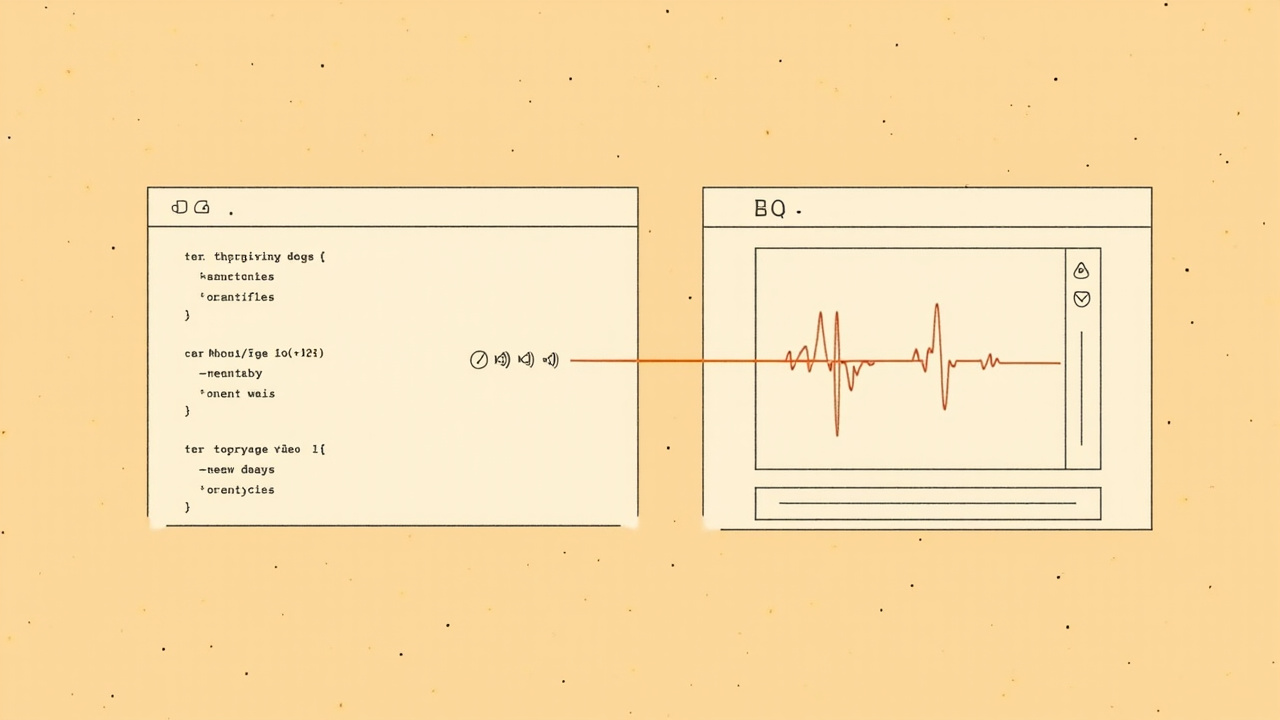
Most video-generation frameworks think about a human author clicking through a timeline. HyperFrames thinks about an AI agent that wants to ship a finished MP4. The interface is HTML — same HTML you’d write for a web page — but with timing primitives, seek-safe animations, and a deterministic rendering pipeline that converts the result into a video frame by frame. The output is reproducible: same HTML in, same MP4 out, byte-for-byte.
What’s actually in the repo
The framework is npm-installable as hyperframes (Node 22+ and FFmpeg required). The CLI gives you the standard dev loop: init, lint, check, snapshot, preview, render, publish, plus doctor. For larger jobs there’s a cloud rendering path (hyperframes cloud render) backed by HeyGen’s hosted infrastructure, and an AWS Lambda deploy/render flow for self-hosted scale-out.
The interesting integration is the MCP server. HyperFrames exposes its capability map and workflow entry points through MCP, which means a Claude Code or Codex-style coding agent can discover and run HyperFrames workflows through the same model-context channel it uses for everything else. The README explicitly lists supported agents: Claude Code, Cursor, Gemini CLI, Codex, “and other coding agents that support skills.” Twenty individual skills ship in the repo. The router skill — /hyperframes — reads first; it’s a capability map that decides which workflow to use for any “make me a video” request, then loads the right domain skill on demand.
The domain skills are organized into two layers:
Creation workflows (what kind of video you want):
/product-launch-video— website marketing videos, 30s–3min/faceless-explainer— concept explainers from text, no URL or product capture/pr-to-video— GitHub PR → code-change explainer, reads viaghCLI/embedded-captions— add captions/subtitles to existing talking-head video/talking-head-recut— design overlays for talking-head/interview footage/motion-graphics— short kinetic type, stat hits, lower-thirds/music-to-video— beat-synced video from a music track/slideshow— presentation/pitch deck with fragment reveals, hotspot nav/general-video— long-form fallback, the home of companion-mode co-creation/remotion-to-hyperframes— port existing Remotion (React) compositions to HTML
Domain skills (atomic capabilities, loaded on demand):
/hyperframes-core— composition contract:data-*timing attrs,class="clip", tracks, sub-compositions, variables/hyperframes-animation— GSAP, Lottie, Three.js, Anime.js, CSS, WAAPI, TypeGPU/hyperframes-keyframes— seek-safe keyframe authoring across all runtimes/hyperframes-creative— non-animation creative direction, palettes, typography, narration, beat planning/media-use— media OS: BGM, SFX, image, icon, logo, voice, color grade, generation via TTS/music/image models/hyperframes-cli— dev loop CLI/hyperframes-audio— voiceover carve, EQ, compressor, automation envelopes, submix buses/hyperframes-registry—hyperframes addfor registry blocks/figma— import Figma assets, tokens, components, motion animations
That’s a lot of surface area. The router is what keeps it manageable.
The agent install path
Three commands matter for an agent setup:
npx skills add heygen-com/hyperframes        # interactive picker
npx hyperframes skills update                # non-interactive core set (recommended for agents)
npx hyperframes init my-video                # scaffold a project
The README is explicit that the interactive picker is a problem for agent runs — without --skill, it installs all 20, which is way more than any one project needs. The non-interactive npx hyperframes skills update installs exactly the core set (the router, the hyperframes-* domain skills, and media-use). /figma stays on demand. Creation workflows install on demand when the router enters one — npx hyperframes skills update <workflow> runs behind the scenes.
There’s also a footnote about skills.sh registry lag: “resolves the skills.sh registry blob, which can lag main by hours. npx hyperframes skills update installs from the current main.” Reach for the second one when you need the newest copy. Practical.
How the rendering actually works
The interesting engineering decision is determinism. Video from a generative model is non-deterministic by default — re-running the same prompt gives you a different video. HyperFrames inverts this: deterministic rendering from authored input. The HTML is the source of truth. Animations are seek-safe across GSAP timelines, CSS keyframes, Anime.js, WAAPI, FLIP, paths, masks, SVG morph/draw, and 3D depth.
The framework uses GSAP, Lottie, Three.js, Anime.js, CSS, WAAPI, TypeGPU — multiple animation runtimes can coexist in one composition, with the framework mediating the seek-safety guarantees. The framework’s own topics list on the GitHub repo spells out the dependency stack: ai, animation, ffmpeg, framework, gsap, html, mcp, puppeteer, rendering, typescript, video. Puppeteer for browser-side composition rendering, FFmpeg for the final encode, GSAP for the primary timeline primitive. MCP for agent discovery.
The “frame.md” concept is worth understanding if you’ve ever tried to make a video from a design.md. Most brands have a design.md for their web surface — tokens, type, color. None of those were written for a camera. frame.md is the missing translation layer: same tokens, same rules, but rewritten so an AI agent can compose a promo video without guessing at scale or reaching for web chrome. The output is a DESIGN.md superset your whole toolchain can read.
What it’s good at, what it isn’t
Where HyperFrames wins:
- Code-change explainers via
/pr-to-video. Ingest a GitHub PR URL, get an animated walkthrough video. The skill reads the PR viagh, plans the storyboard, builds frame by frame. - Marketing/promo videos for a website. The
/product-launch-videoskill is built for this — give it a URL, get a 30–90s launch video. Sweet spot is 30–90s. - Anything where you want byte-deterministic output. If your pipeline needs “rebuild the same video after editing the script,” HyperFrames gives you that without rerolling a generation.
- Agent-led content pipelines. Twenty skills, MCP server, structured workflows, CLI that works headless.
Where it isn’t a fit:
- Long-form talking-head content where the human performance is the value. HyperFrames doesn’t generate avatar footage — HeyGen does that as a separate product.
- Pixel-perfect Hollywood motion graphics. This is HTML/CSS/GSAP rendered through Puppeteer; you can get very far, but you won’t get After Effects shader graphs.
- Real-time or interactive video. Output is MP4. If you need a video that responds to user input, you want a different tool.
How it relates to Remotion
If you’ve heard of Remotion (React-based video framework), HyperFrames looks like the same idea with a different substrate: Remotion uses React, HyperFrames uses HTML. The /remotion-to-hyperframes skill is the migration tool — one-way port from Remotion source to HyperFrames HTML. The trade-offs:
- HyperFrames advantage: agent-friendly. An LLM writes HTML more reliably than it writes React + JSX + Remotion’s composition primitives. The HTML substrate is closer to what the model already produces naturally.
- HyperFrames advantage: Puppeteer-based rendering means you can preview in a real browser during dev (
hyperframes preview). Remotion’s preview is also browser-based but goes through a different stack. - Remotion advantage: TypeScript-first composition, more mature React ecosystem, larger existing component library.
- Remotion advantage: if your team already thinks in React, the cognitive overhead is lower.
For a new project where agents are doing the composition, HyperFrames is the more direct path. For an existing React shop, Remotion’s lower switching cost still wins.
The Codex plugin angle
One detail I almost missed: the repo ships a build path that produces a Codex-uploadable plugin archive. bun run package:codex-plugin writes dist/hyperframes-plugin.zip with a hyperframes/ root folder and fails if the archive exceeds Codex’s 100 MB upload limit. That’s a tight integration — Codex users get HyperFrames as a first-class plugin in their workflow, not as an external CLI call.
If you’re running Codex for code generation, this is the path to “agent writes code, agent makes a video explaining the code, video lives in the same workflow.” PR-to-video becomes a natural extension of the code-review loop rather than a separate tool.
Trying it
The fastest path:
npx hyperframes init my-video
cd my-video
npx hyperframes preview    # browser preview with live reload
npx hyperframes render     # MP4 output
The full showcase is at hyperframes.heygen.com/showcase — finished videos you can watch, read the source for, run, and remix. The playground at hyperframes.dev lets you experiment without installing locally.
Where to dig further
- heygen-com/hyperframes on GitHub — 43,380 ★, Apache 2.0, TypeScript, MCP server
- HyperFrames docs at hyperframes.heygen.com — quickstart, prompt guide, skill catalog
- HeyGen research note on the deterministic rendering problem — June 22, 2026; explains why HTML-substrate determinism matters
- Hyperframes Use Cases in the HeyGen developer docs — for combining HyperFrames graphics with HeyGen avatar footage via the HeyGen API
- The
/remotion-to-hyperframesskill is the practical migration tool if you’re already invested in Remotion compositions
If you’re building agent-led content pipelines and video is on the roadmap, HyperFrames is the most direct path I’ve seen to “HTML in, MP4 out, agent in the middle.” The CLI, the MCP server, and the skill-router structure are all oriented toward that workflow. The Apache 2.0 license means you can fork and self-host the rendering side without depending on HeyGen’s hosted cloud rendering — the Lambda deploy path exists specifically for that.
Comments
Powered by GitHub Discussions via Giscus. Sign in with GitHub to leave a comment.