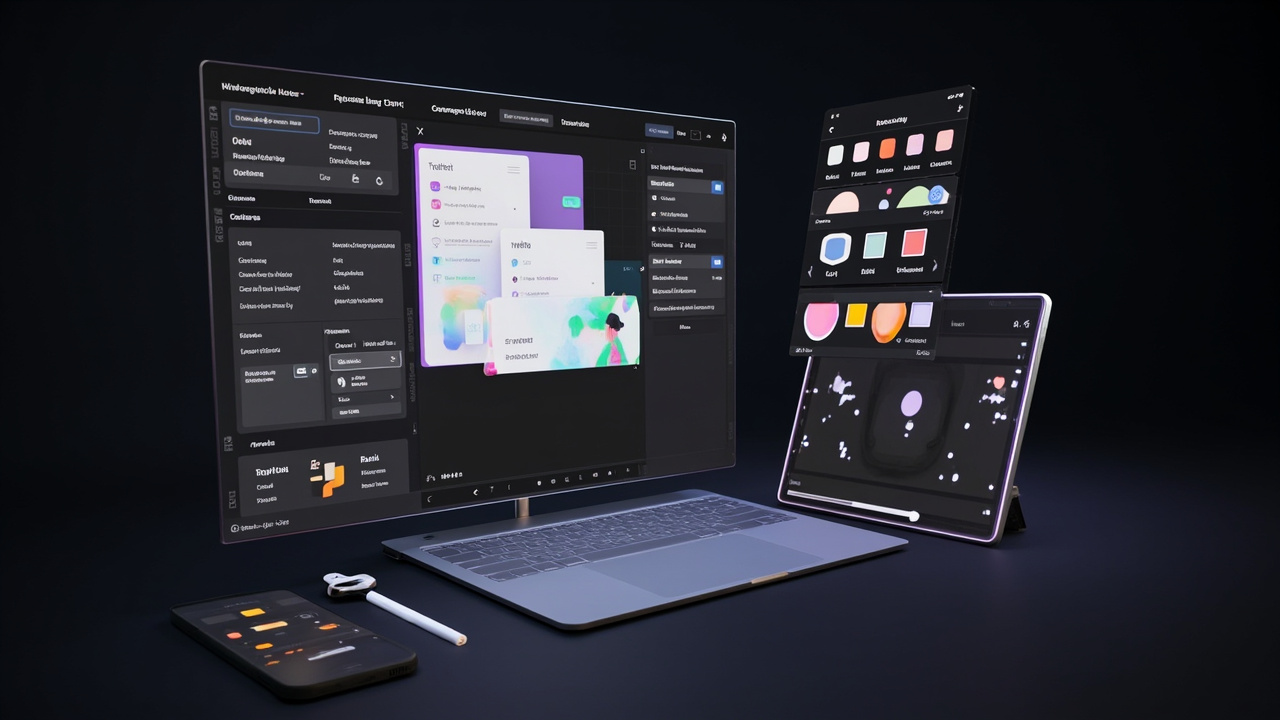
This week I finally shipped version 1.0 of app-screens-maker, a tool I’ve been poking at for about three weeks. It’s not glamorous, but it works, and I learned some things worth writing down.
The Core Idea
The tool lets you create app screen mockups in real-time — drag components, set props, see changes instantly. Think Figma’s speed with the simplicity of a static site generator.
The target user is me, honestly. I wanted something faster than opening Figma for quick UI explorations.
What Took the Longest
The state management. Every UI builder faces this — when a user changes a property, how does it propagate to the canvas, the component tree, and the property panel simultaneously?
I tried three approaches:
- Local React state — too much prop drilling
- Zustand store — better, but fighting the React render cycle
- Jotai atoms — won. Atomic updates without the boilerplate
The Jotai solution took an afternoon to implement and saved probably 10x that in debugging time.
The component library. Deciding which components to include was harder than building them. I kept adding features I didn’t need. The constraint that helped: if I can’t explain why a non-technical person would need it in under 30 seconds, it doesn’t go in v1.
What I’d Do Differently
Start with the export. I built the canvas and component system first, then added JSON/React export at the end. Mistake. The export format shapes everything. If I started there, I would’ve made different choices about component props and tree structure.
Ship the ugly version first. I spent two days on a custom canvas renderer when I could’ve used an off-the-shelf library and iterated faster. The custom approach was more educational, but slower.
Numbers
- 47 components built
- ~800 lines of Jotai state
- 3 complete rewrites of the component tree data structure
- 1 minor existential crisis about the right abstraction level
What’s Next
Version 1.1 is already planned: component groups, keyboard shortcuts, and a simple share feature. Keeping it lean.
The code is on GitHub if you want to dig in. Link in the footer.
Comments
Powered by GitHub Discussions via Giscus. Sign in with GitHub to leave a comment.